Mirrai Careers
Canva Resume Templates: Which Ones Actually Pass ATS (2026)
72% of Canva resume templates fail ATS parsing. 265 million people use Canva, and most have no idea their resume is invisible to recruiters. Here is what to do about it.

Correction, August 2026
An earlier version of this article reported a first-party retest of 100 Canva templates with a 73% failure rate. That test was never run, and the figure has been removed. The 72% number that remains is ResumeGyani's, from a published test of 50 templates. Also corrected here: Canva Pro's price, and the claim that Canva labels templates as ATS-friendly. It does not.
Earlier updates
June 2026: added the section on Canva's AI Resume Writer, shipped April 2026 as part of Canva AI 2.0. Short answer to the obvious question: it rewrites your bullets cleanly and does not touch the export problem. Original article published 22 March 2026.
265 million people use Canva every month and 31 million of them pay for it, on Canva's own numbers for the end of 2025, reported in February 2026 alongside $4 billion in annual recurring revenue. Resume templates are one of the most popular categories. The problem: in the one published test that everyone cites, 72% of them failed basic ATS parsing (ResumeGyani, 50 popular templates). Your name, job titles and skills come out as gibberish, or do not come out at all.
ATS doesn't "reject" your Canva resume. It garbles it. The resume enters the recruiter's database as scrambled text, which means when they search for "project manager" or "Python," your resume is invisible. You applied. They never saw you.
Canva does not warn you about this when you pick their gorgeous two-column template. They sell design. ATS reads data. These are different problems.
Below: why this happens, which Canva templates actually work, and a 30-second test you can run on your current resume right now.
Beyond Canva templates
Canva looks great. ATS disagrees.
Our AI builder writes clean, parse-ready resumes — no template gymnastics.
Try FreeFree to start · paid plans from $6.99
Why Canva Resumes Fail ATS
This is a technical problem, not a design one. Between Canva's editor and an ATS parser, several things break:
| Problem | What happens | Why it matters |
|---|---|---|
| Text as vector paths | Canva renders your text as shapes, not characters | ATS sees geometric shapes, not "Senior Developer" |
| Fragmented text objects | One bullet point stored as 3+ separate text chunks | ATS reads text in wrong order: "experience years 5" instead of "5 years experience" |
| Multi-column layouts | Two columns get interleaved when read linearly | Left and right content mixes into nonsense |
| Icons replacing text | Phone icon + number instead of "Phone: 555-1234" | ATS cannot read icons. Your contact info disappears |
| No DOCX export | Canva only exports PDF/JPG/PNG | Many ATS parse .docx more reliably than PDF |
Your resume looks perfect on your screen. In the recruiter's system, it's scrambled data. They don't reject it. They never see it.
“Does Canva make ATS friendly resumes? No.”
A word about that 72%, since it is the number everyone repeats, this article included. It comes from one test, by one site, on 50 templates, and the full methodology was never published. Nobody holds a verified, current list of which Canva templates parse cleanly. Not Canva, not us, not the sites running "ATS-friendly Canva templates" roundups. There are 3.6 million templates in the library and no verification process attached to any of them. So take 72% as the right order of magnitude and nothing more precise. The only figure that applies to your application is what comes out of the test in the next section, run on your own file.
The 30-Second Canva Resume Test
You can check right now if your Canva resume will survive ATS:
- Open your exported PDF
- Select all text (Ctrl+A / Cmd+A)
- Copy (Ctrl+C / Cmd+C)
- Paste into Notepad or any plain text editor
- Read what came out
If the text is readable, in correct order, with all your information intact, your resume will probably parse fine. If it looks scrambled, has missing sections, or the order is wrong, ATS will have the same problem. Most Canva templates fail this test.
Which Canva Templates ARE ATS-Friendly
Search "ATS resume" in Canva's template search and you will get plenty of results. What that search returns is templates whose creators typed "ATS" into the name. Canva does not verify, certify or test any of them, and there is no official ATS-friendly label despite how often you will read that there is. Use the search as a rough filter, then judge on structure:
- Single column layout (no sidebar, no two-column design)
- Standard section headings: "Work Experience," "Education," "Skills"
- No icons for contact info (plain text: "Email: [email protected]")
- No skill bars, progress meters, or rating graphics
- Standard fonts: Arial, Calibri, Times New Roman, Garamond
- Minimal background colors, no background images
Since there is no verified list of safe Canva templates, pick by structure and confirm by test. Three checks, in the order that catches the most damage:
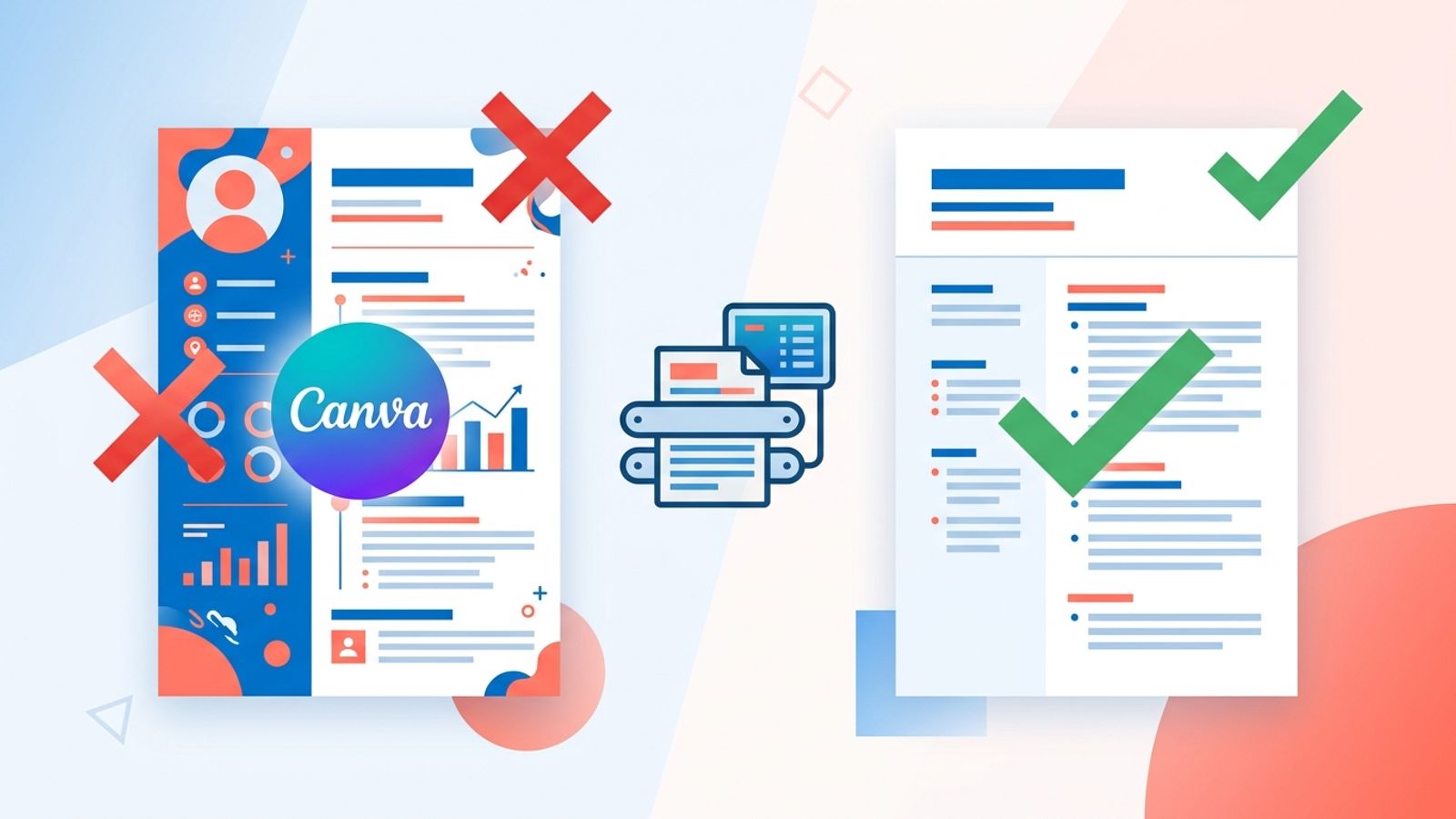
- Count the columns before anything else. If skills, contact details or dates sit in a sidebar, stop there. Column interleaving is the single biggest cause of scrambled parsing, and no amount of editing fixes it.
- Look at the contact line. If your phone and email sit beside icons instead of the words Phone and Email, those labels are graphics, and the parser drops them along with whatever it cannot attach them to.
- Export the empty template and run the copy-paste test below before you type a single word of your own into it. Thirty seconds spent on a blank template saves you rebuilding a finished one.
Yes, these look boring compared to Canva's flashy two-column layouts. That's the trade-off. For online applications where ATS has to parse your file, readability beats aesthetics every time.
Canva Free vs Pro: Does Pro Fix the ATS Problem?
| Canva Free | Canva Pro ($18/mo, $144/yr) | |
|---|---|---|
| Templates available | Free subset of the library | Full 3.6M+ library |
| Officially ATS-verified templates | None | None |
| Export formats | PDF, JPG, PNG | PDF, JPG, PNG, SVG |
| DOCX export | No | No |
| Fixes ATS parsing? | No | No |
Canva Pro does not fix ATS parsing. The problem is structural, in the layout and the export format, not behind a paywall. A free single-column template parses identically to a paid one. Paying $18 a month buys you more templates, not better parsing.
When Canva Resumes Work (and When They Don't)
| Situation | Use Canva? | Why |
|---|---|---|
| Applying through a job portal (LinkedIn, Indeed) | Risky | ATS will parse your PDF. If template fails the Notepad test, use Word/Docs instead |
| Emailing directly to a hiring manager | Yes | No ATS involved. The human sees your design. Attach as PDF |
| Creative industry (design, marketing, media) | Yes | Visual design IS the skill being evaluated. A plain resume looks lazy |
| Networking / career fairs | Yes | Printed or shared directly. No ATS parsing |
| Corporate / traditional industry | Careful | Use only ATS-tested single-column templates |
| Federal / government jobs | No | Strict formatting rules, plain text preferred |
The practical solution: keep two versions. One ATS-optimized (single-column, standard fonts, tested with the Notepad method) for online applications. One designed version (Canva) for direct emails, networking, and portfolio.
How to Make Any Canva Resume More ATS-Friendly
If you already have a Canva resume you like, these changes improve ATS parsing without starting over:
- Switch to a single-column layout. Move sidebar content into the main column
- Replace all icons with text labels. Phone icon becomes "Phone:", email icon becomes "Email:"
- Remove skill bars and progress meters. Replace with a comma-separated list: "Python, SQL, Tableau, Excel"
- Use standard section headings. "Work Experience" not "Where I've Been." "Education" not "What I've Learned"
- Stick to standard fonts. If using a custom font, switch to Arial or Calibri
- Remove background images and complex graphics
- Export as PDF and run the Notepad test
If it still fails the Notepad test after these changes, the template's underlying structure is the problem. Switch to a different template or use Google Docs / Word.
Or skip the formatting headache. Mirrai's Resume Builder generates ATS-optimized resumes automatically. Same content, guaranteed parsing.
Canva vs Word vs Google Docs for Resumes
| Canva | Microsoft Word | Google Docs | |
|---|---|---|---|
| Visual design | Excellent | Basic | Basic |
| ATS compatibility | Varies (test each template) | High | High |
| DOCX export | No | Native | Yes |
| Collaboration | Yes (Canva teams) | Yes (OneDrive) | Yes (native) |
| Free? | Yes (limited) | No ($) | Yes |
| Best for | Creative roles, direct emails | All applications | All applications |
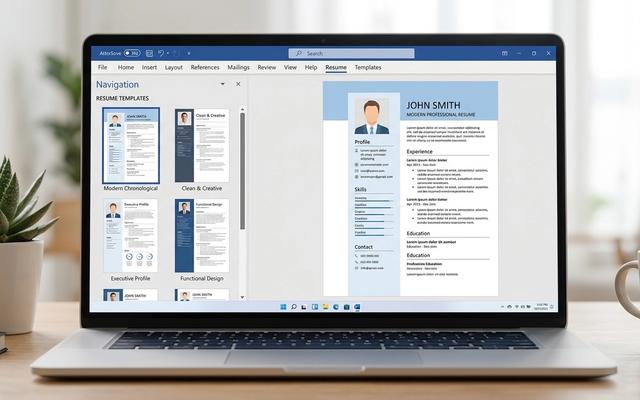
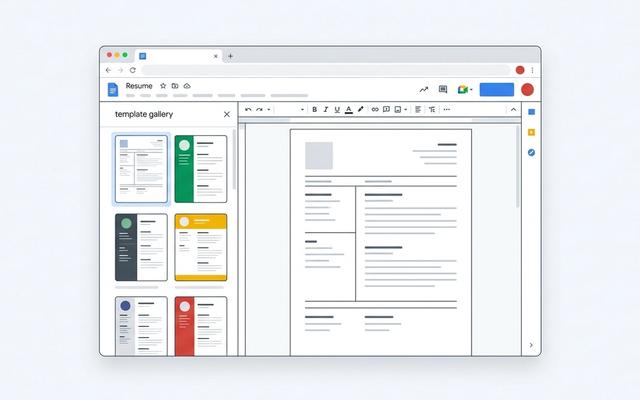
For most job seekers applying through online portals: Word or Google Docs is safer. For creative roles where you email directly: Canva shines. For maximum flexibility: build in Word/Docs first (ATS-safe), then recreate in Canva for the designed version.
Canva's AI Resume Writer (April 2026): Does It Fix ATS?
Canva shipped its own AI Resume Writer in April 2026 as part of Canva AI 2.0 / Magic Studio. The tool takes your existing resume text and a job description, then generates tailored summary, skills, and experience sections. Magic Write returns drafts in under 2 seconds. The Job And Resume AI app inside Canva integrates the whole loop into one workflow.
The natural question: does this fix the ATS problem? No.
The AI changes what your bullets say. It does not change how Canva exports them. The same multi-column layout, the same icons in place of text contact info, the same text-as-vector-paths PDF export. The AI gives you a better-worded resume that still gets garbled by the parser. Better content, same delivery problem.
| Canva AI does fix | Canva AI does not fix |
|---|---|
| Generic-sounding summaries (Magic Write rewrites them) | Multi-column templates that scramble in ATS |
| Missing JD keywords (suggests additions) | Icons that replace text labels |
| Bland skills sections (rewrites for impact) | Text-as-vector PDF export |
| Speed (under 2 seconds per regeneration) | No DOCX export option |
How to use Canva's AI Resume Writer sensibly for online applications: generate the content inside Canva, then move it into a single-column template you have personally run the copy-paste test on, or into Google Docs or Word for the version you actually submit. The AI is a writing tool that happens to live inside a design tool. Treat the writing and the design as two separate problems.
“Tried the new Canva AI Resume Writer. Bullets it suggested were genuinely good. Then I tested the exported PDF in a free ATS checker. Same garbled output as before. The AI fixes the words. Canva still does not export ATS-clean PDFs.”
Before you leave
Fix the template problem at the source
Upload your resume, we rewrite it into an ATS-safe version in seconds.
Try FreeFree to start · paid plans from $6.99
FAQ
Does Canva's AI Resume Writer (launched April 2026) generate ATS-safe resumes?
What is the difference between Canva Magic Write and the AI Resume Writer?
Did Canva fix the ATS problem in 2026?
Are all Canva resume templates bad for ATS?
Should I pay for Canva Pro for my resume?
Can I use Canva for a resume if I'm in a creative field?
How do I know if my resume passes ATS?
Why does Canva not offer DOCX export?
Prefer a block-based workflow? See our guide on building a resume in Notion (spoiler: great for drafting, not for ATS uploads).
For the tech/academic crowd: our LaTeX resume templates guide covers Jake's Resume, Awesome-CV, and when LaTeX PDFs fail ATS.
Check if your current resume passes ATS. Paste any job description and see your match score. Takes 30 seconds.