Mirrai Careers
Minimalist Resume Template: Clean Layouts That Pass ATS (2026)
Most templates marketed as "minimalist" either break ATS (sidebars, icons, tables for layout) or are blandly identical (Times New Roman with wider margins). The right minimalist resume is restrained, ATS-readable, and visually distinct in a narrow band. Full structure, fonts, spacing, and template.

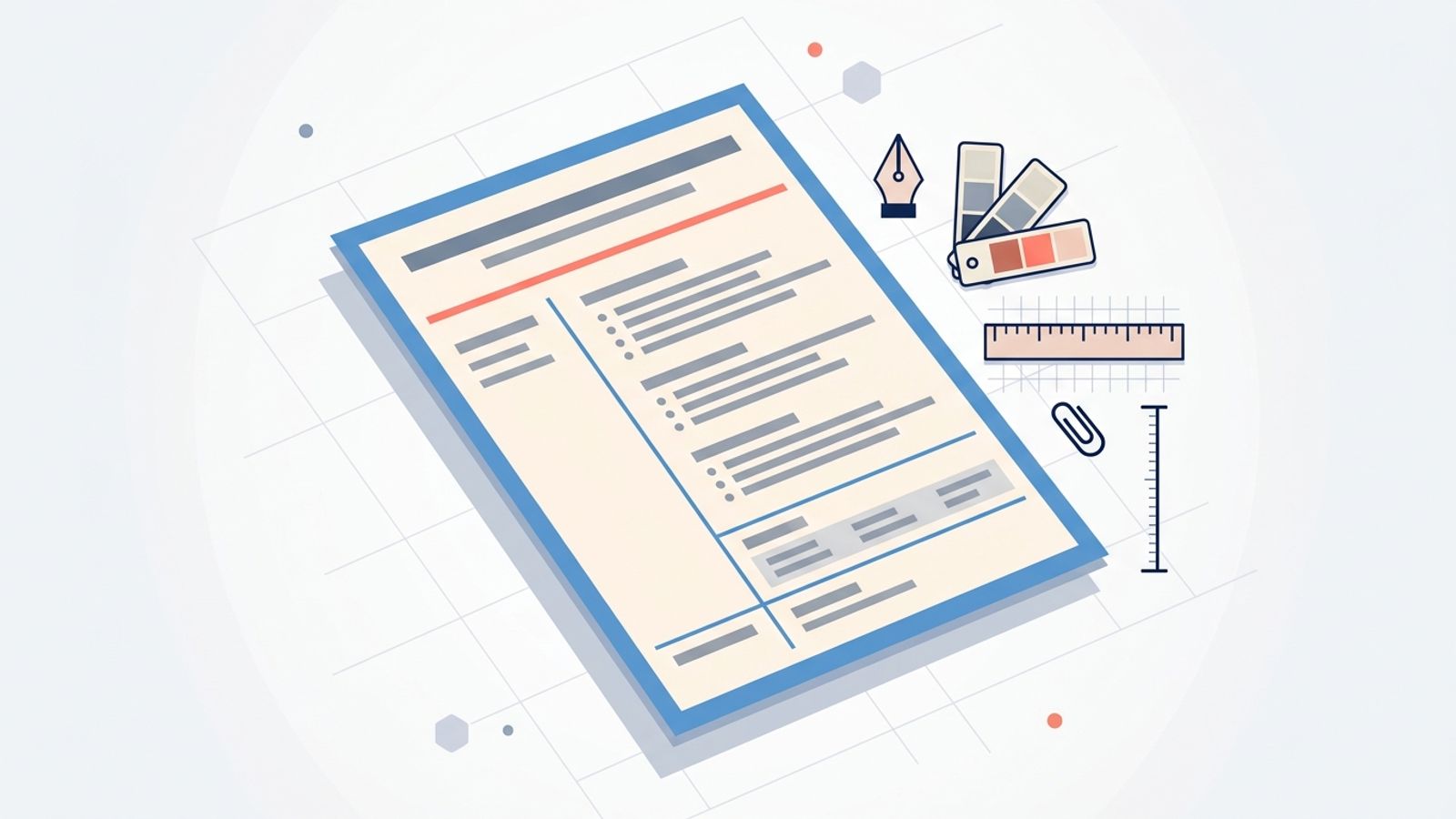
Most resumes marketed as "minimalist" are one of two things. Either they use sidebars, icons, and table-based layouts that break Applicant Tracking System parsers, or they are visually unremarkable Word defaults with slightly wider margins, dressed up as restrained design. The first kind costs you the application before a human sees it; the second kind sits identical to thousands of other resumes on the hiring manager's desk.
Real minimalist resume design is harder than it looks. It is restrained, structurally simple, ATS-readable, and visually distinct in a narrow band: one or two fonts, a single accent color (or none), deliberate spacing, and zero decoration that does not serve readability. This guide covers the structural rules, font and color choices, the actual template layout, and the platforms that produce minimalist templates worth using.
Mirrai Careers
Match your resume to any job in seconds
Upload your resume, paste a job description, see your match score.
Try FreeFree month of Pro with code LAUNCH
What "Minimalist" Really Means for a Resume
Three things distinguish a real minimalist resume from a fake one:
- Structural simplicity, not visual emptiness. Single column. Predictable section order. Clear section headers. No decorative elements that do not earn their place. Empty white space inside a chaotic structure is not minimalist; it is just poorly designed.
- Typographic restraint. One body font, one heading font (often the same family, different weights), 2-3 type sizes total across the document. The minimalist look comes from the consistency, not from the choice of font itself.
- Deliberate spacing. White space functions as the design language. 0.5-0.75 inch margins, 12-16 points of space between major sections, 6-8 points between paragraphs. Margins and spacing carry the visual weight that ornamentation would carry in a heavier design.
What minimalist resume design is not: a generic Word template with the borders removed. The difference is intent. A real minimalist resume looks intentional in 10 seconds; a stripped Word resume looks bland.
ATS Compatibility: The Real Bottleneck
97% of Fortune 500 companies use Applicant Tracking Systems with AI parsing in 2025-2026. Most "creative minimalist" templates sold on Etsy or built in Canva fail ATS parsing in one of four ways:
- Tables used for layout. ATS parsers often read tables row-by-row, mixing left-column content with right-column content into one garbled string. Modern parsers (Workday, Greenhouse, Lever, iCIMS) are better than they were in 2018, but tables are still the single biggest cause of garbled resume parsing in 2026.
- Icons and graphics in section headers. The little contact-info icons next to your phone and email do not parse as anything. Worse, some ATS systems treat them as text and produce "[image] (555) 123-4567" as the extracted contact line.
- Text in headers or footers. Some Word and Canva templates put contact info in the page header. Recruiters see it; the ATS does not always extract it. Put contact info inside the main document body.
- Two-column layouts built with text boxes instead of native columns. Native Word or Google Docs columns parse correctly in most modern ATS. Text-box-based layouts (typical of Canva and Etsy templates) often parse the right column first or skip it entirely.
Safe choices for a minimalist resume: single-column layout, native (not text-box) columns if you absolutely need two, no icons in section headers, no tables for layout, contact info in the document body, and standard section headers ("Experience," "Education," "Skills" rather than "My Journey" or "What I Bring").
Related reading: ATS-friendly resume template covers the broader ATS-compatibility rules for any template style.
The Minimalist Resume Structure
Single column, six sections in a fixed order, predictable hierarchy. Most minimalist resumes that work follow this skeleton:
Minimalist resume structure (single column, top to bottom)
1. HEADER - Name (largest text on the page, 20-26pt) - Title or target role (12-14pt, one line) - Contact: email | phone | city, state | LinkedIn URL - One line; no icons, no decorative dividers 2. SUMMARY (optional, 3-4 lines) - Target role + scope + one quantified outcome + key tools 3. EXPERIENCE - Each role: Company / Role / Dates on one line - 3-5 bullets per role, each starting with a verb and including one number 4. SKILLS - 1-2 lines, pipe-separated or comma-separated - Tools first, then capabilities; mirror the JD vocabulary 5. EDUCATION - Degree | Institution | Year (year optional after 15+ years out) 6. CERTIFICATIONS (optional, 1 line each) - Cert name + year
That is the entire structure. The minimalist resume gets its visual identity from typography, spacing, and one accent color — not from creative section ordering or decorative elements.
Typography for a Minimalist Resume
Three font pairings that consistently produce a clean minimalist look and parse cleanly through ATS:
| Pairing | Headings | Body | Tone |
|---|---|---|---|
| Modern, neutral | Inter Semibold or Helvetica Bold | Inter Regular or Helvetica Regular | Tech, design, modern professional services |
| Editorial, restrained | Source Sans Pro Semibold | Source Sans Pro Regular | Marketing, writing, consulting |
| Classical-minimalist | Garamond Bold (or EB Garamond Bold) | Garamond Regular (or EB Garamond Regular) | Law, finance, traditional industries |
| Geometric, contemporary | Montserrat Semibold | Montserrat Regular or Open Sans | Tech, product, startup |
Sizes: name at 22-26pt, section headers at 11-12pt with bold or all-caps tracking, body at 10-11pt, dates and contact info at 9-10pt. Line height for body: 1.15-1.3. Tighter line-height makes the resume read as cramped; looser line-height looks lazy.
Avoid: Times New Roman (reads as a 2008 default), Comic Sans, Arial Narrow, condensed fonts in general, and decorative or display fonts in section headers. Stick to one type family across the entire document; the visual distinction comes from weight and size, not from font swapping.
Related: best font for resume covers the broader font and sizing guide.
Color Use in Minimalist Resumes: When, How, How Little
The minimalist resume rule on color: use one, or use none. The three patterns that work:
- No color. Pure black-on-white text. Most ATS-safe; works in any industry. The visual interest comes from typography and spacing alone. Most law, finance, and government applications go this route.
- One muted accent for name and section headers only. A deep navy (#0A2540), forest green (#2D4A2B), or soft charcoal (#3B3B3B). Used on the candidate name and the section headers. Body text stays black. Recognizable at a glance; respectful to traditional industries.
- One bold accent used twice. A coral (#FF6F61), confident blue (#0070D7), or burnt orange (#D2691E) used on the name and one other element (a thin section-divider line, or the contact-info row). Used twice and only twice. More than two uses crosses from minimalist to color-themed.
What kills minimalist design: colored bullets, colored section backgrounds, colored sidebars, colored boxes around dates. None of these belong on a minimalist resume; all of them are common in templates sold as "minimalist."
The Minimalist Resume Template (Annotated Layout)
A literal layout you can replicate in Google Docs, Word, or Notion in 20 minutes:
Minimalist resume layout, annotated (single column, US Letter)
Margins: 0.6 inch top/bottom, 0.7 inch left/right Font: Inter (or system fallback) at 10.5pt body, 11.5pt headings, 24pt name Color: optional single accent on name and one section-divider line only Line height: 1.2 for body, 1.4 for headings ──────────── HEADER ──────────── ALEX MORGAN (24pt, weight 600) Senior Product Manager (11pt, regular, muted gray) [email protected] | (555) 123-4567 | Austin, TX | linkedin.com/in/alexmorgan (10pt, single line, pipe-separated) ──────────── SUMMARY ──────────── (11.5pt, all-caps, letter-spacing 1.5) Senior product manager with 8 years of B2B SaaS (10.5pt, regular, 1.2 line-height) experience, currently leading a 6-person team shipping growth features against a $4M ARR target. ──────────── EXPERIENCE ──────────── Acme Co Senior PM (10.5pt; bold for Company; regular for role) 2023 - Present (10pt italic, muted gray, right-aligned) - Led the 2024 onboarding redesign that lifted activation 28% over Q3-Q4. - Owned roadmap for 4-person growth squad across 11 shipped features. - Reduced average time-to-first-value from 9 days to 3.2 days. [continue with 2-4 more roles, same structure] ──────────── SKILLS ──────────── Product Strategy | Roadmap Planning | A/B Testing | SQL | Mixpanel | Jira | Figma | Stakeholder Communication ──────────── EDUCATION ──────────── B.S. Computer Science | University of Texas at Austin | 2016 ──────────── CERTIFICATIONS ──────────── Reforge Product Strategy Program (2024)
The full layout fits one page for 0-7 years of experience and two pages for senior roles. Section dividers are thin horizontal rules (0.5pt, optionally in the accent color) or are simply communicated through type weight and spacing without a line at all.
Where to Get Good Minimalist Templates
A short verdict on the most-searched platforms for minimalist resume templates:
- Google Docs (built-in templates). The "Spearmint" and "Modern Writer" templates are the closest to minimalist among the built-ins. ATS-safe by default; widely used. Limitation: visually generic at scale.
- Microsoft Word (built-in templates). The "Modern chronological" and "Simple" templates are the best baseline. Same ATS-safety as Google Docs, slightly more typography options.
- Canva. Excellent visual quality but a high percentage of Canva minimalist templates use text boxes and graphics that break ATS. If you use Canva, pick a template explicitly tagged "ATS-friendly" or "Single column," and test the output through an ATS parser before applying.
- Notion. Several free minimalist resume templates available; clean typography, single-column by default. Export to PDF; check the parse result before sending.
- Etsy ($5-$25 templates). High visual quality, but quality varies. Check that the template is single-column or uses native columns (not text boxes), uses standard section headers, and has no decorative graphics in section areas.
- Resume.io, Zety, Resume Genius, etc. (paid builders). Generally ATS-safe, generally bland-minimalist. Work if you want fast; the visual distinction is limited because thousands of other candidates use the same templates.
Related platform-specific guides: Google Docs resume templates, Word resume templates, Canva resume templates, and Notion resume templates.
Common Minimalist Resume Mistakes
- Confusing minimalist with empty. Removing content to "leave room to breathe" usually removes the quantified bullets that earn the interview. Minimalist resumes have the same content density as any other format; they just present it more cleanly.
- Choosing the font on aesthetic instinct without checking renderability. A font that looks crisp on your Mac may render badly on a recruiter's Windows machine. Stick to widely available web-safe or system fonts (Inter, Helvetica, Source Sans, Garamond, Montserrat, Calibri).
- Putting contact info in the page header. Headers and footers are not always parsed by ATS. Contact info goes in the document body, on the first line under the name.
- Using all-caps section headers without letter-spacing. ALL-CAPS with no letter-spacing reads as shouting. Add letter-spacing of 1.5-2 points to make ALL-CAPS section headers feel deliberate rather than aggressive.
- Decorative section dividers (lines, dots, ornaments). One thin horizontal rule per section divider, or none at all. Decorative dividers are not minimalist; they are minimalist in disguise.
- Inconsistent date formatting. "Jan 2023" in one place, "January 2023" in another, "2023-01" in a third. Pick one and use it everywhere. Inconsistency reads as carelessness; consistency reads as design.
- Using two-column layouts because they look interesting. Two columns can work in modern ATS when built with native columns (not text boxes), but single column is the safe default and the most clearly minimalist visually. Use two columns only if you have a specific space reason.
Before you leave
See how your resume stacks up
Paste any job description and get your match score in 30 seconds.
Try FreeFree month of Pro with code LAUNCH
FAQ
Are minimalist resume templates ATS-friendly?
What is the best font for a minimalist resume?
Should a minimalist resume use color?
Can a minimalist resume be two pages?
Is a Google Docs minimalist template good enough?
What is the difference between a minimalist resume and a modern resume?
A minimalist resume is structurally simple, typographically deliberate, and one accent color away from looking like every other resume in the stack. Mirrai's Resume Builder generates a clean ATS-safe resume against any job description with the minimalist defaults (single column, Inter typography, optional muted accent), and Mirrai's Job Matcher scores the output against the JD before you apply. Free to try.